
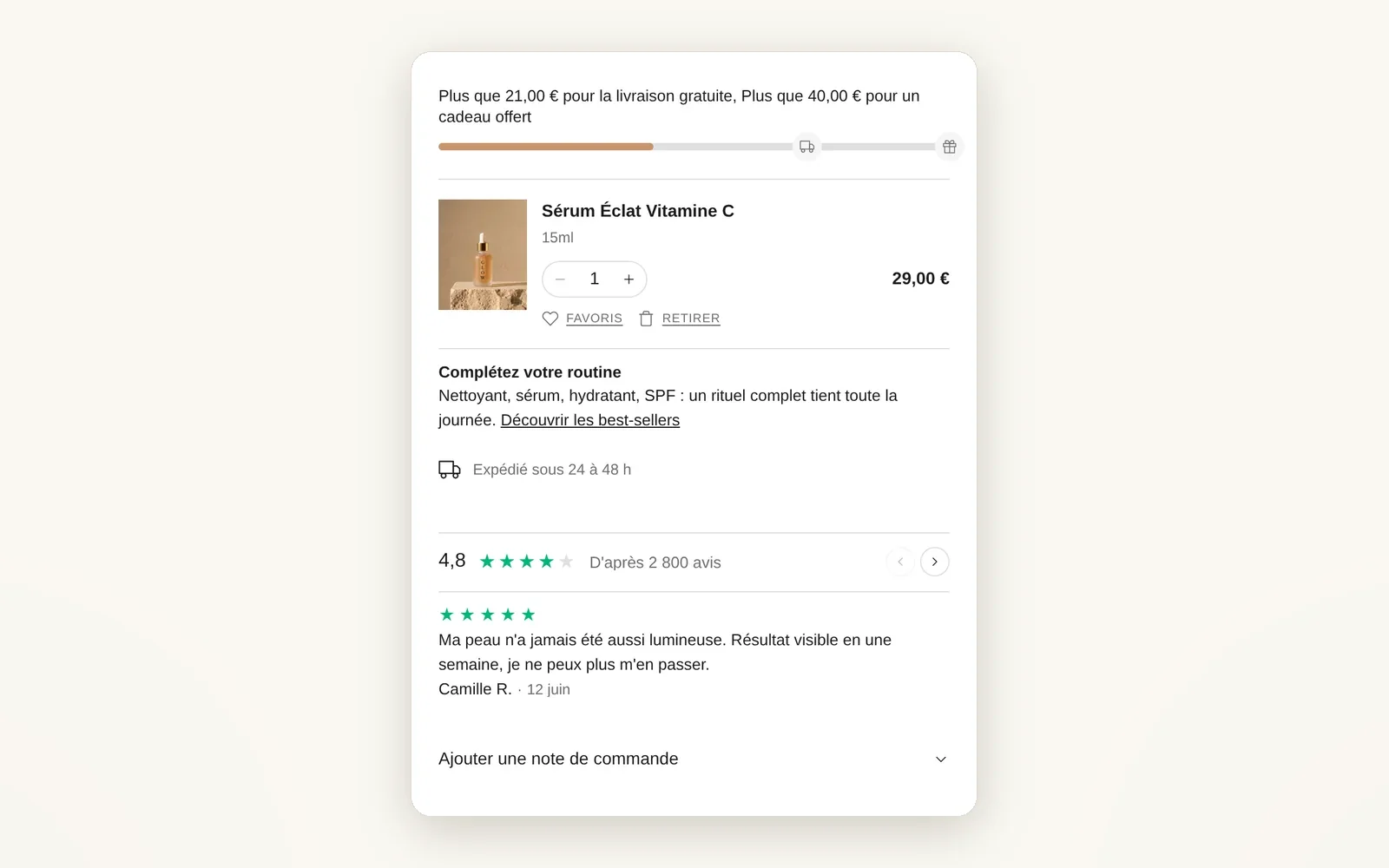
Add the blocks you want to the cart
Shipping bar, reviews, order note, gift wrap... You place each block before or after the line items.
What it does
- 2 zones in the drawer and 4 on the cart page (around the line items and the summary)
- Each zone accepts cart blocks, base blocks and app blocks
- You set the order by drag and drop in the theme editor
What you can set
- Cart · above line items
- Cart · above summary
- Cart · shipping progress bar
- Cart · order note
Where to find it
Theme editor›Cart template (or Cart drawer section)›click a zone›Add block
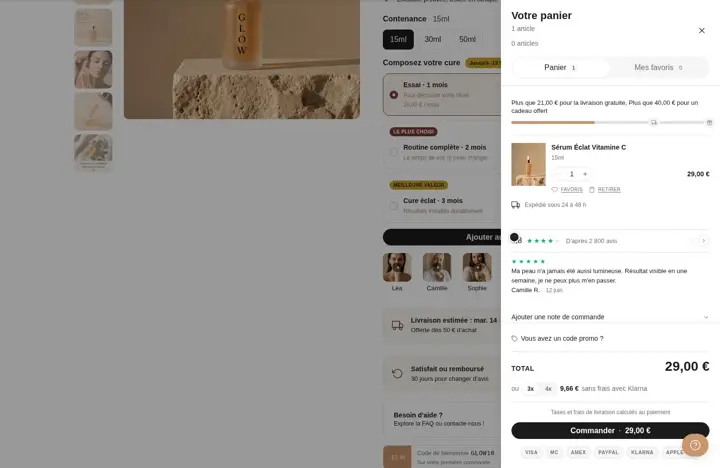
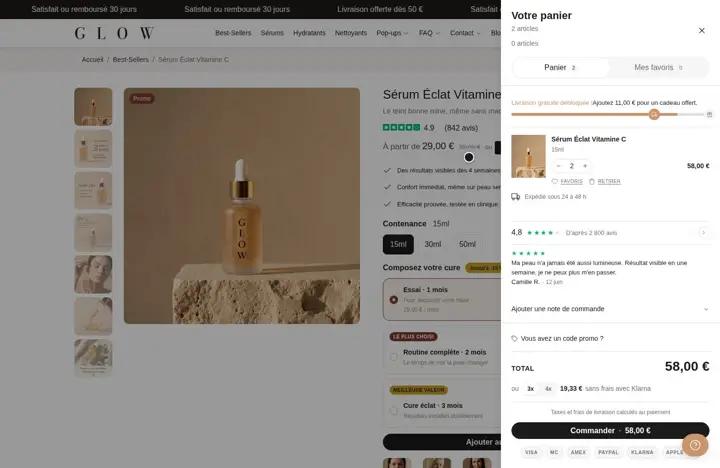
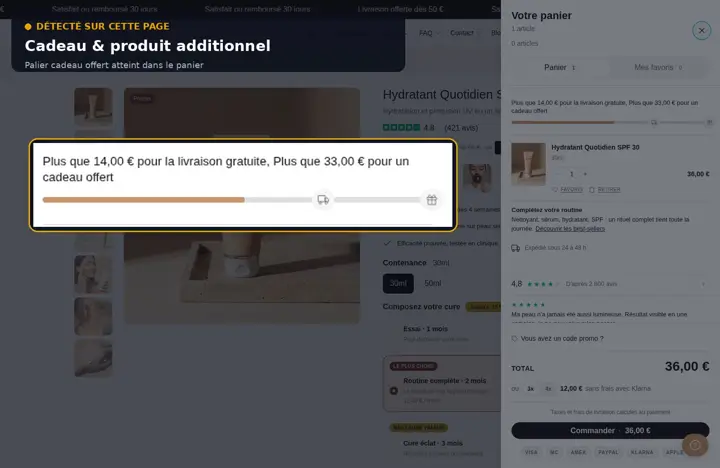
Cart drawer: shipping bar above the items, content, delivery estimate, reviews and note below
Related features
Your store deserves better than an empty theme.
Try Speedfly for 14 days on your real store. Not convinced? Cancel in one click.