
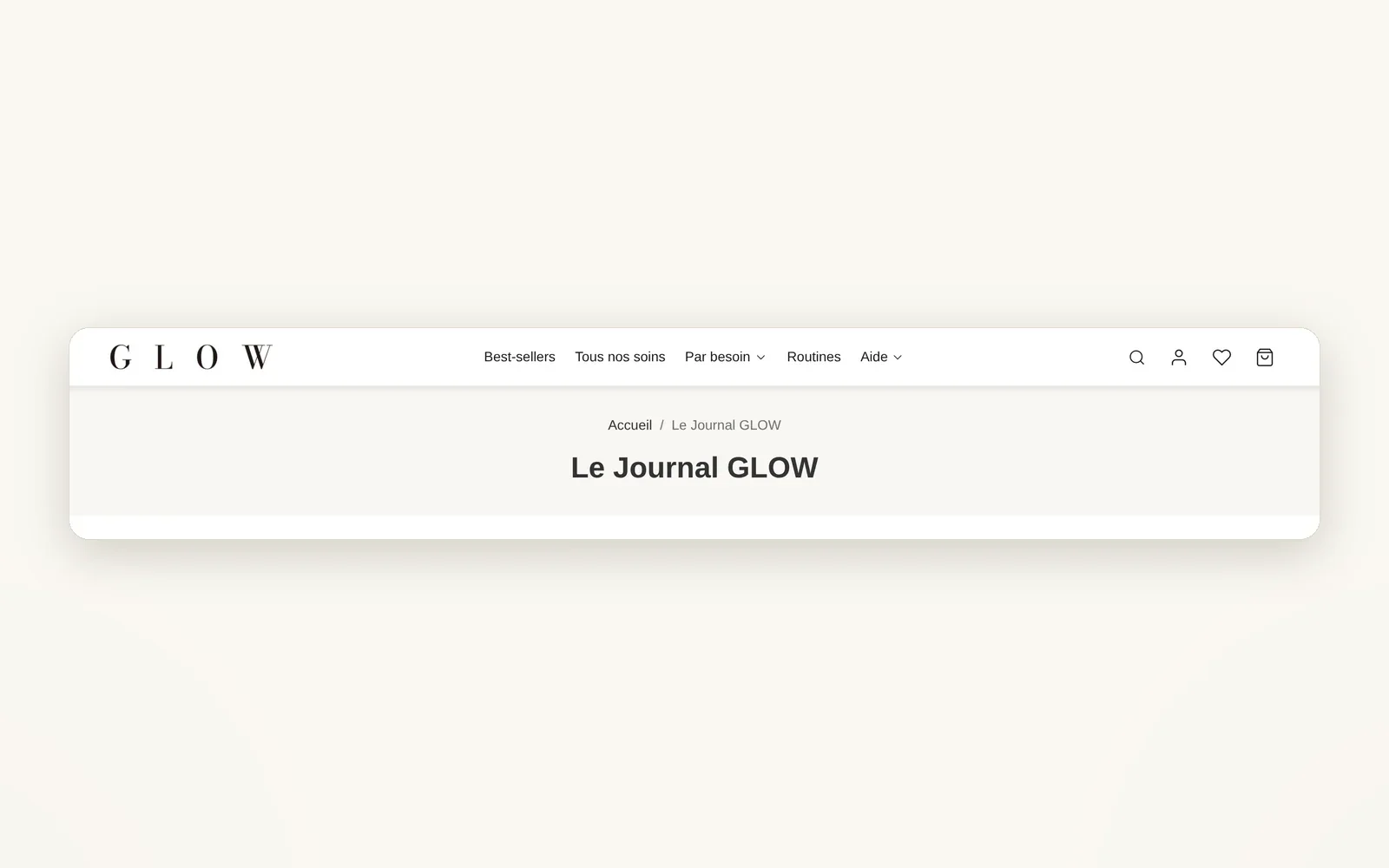
A header you build block by block
Logo, menu, search, account, wishlist, cart, text or button: each element is a block you place in the column of your choice.
What it does
- 11 header blocks to place in rows and columns
- Each column has its own width, alignment and mobile or desktop display
- Classic or pill menu, search as an icon or as a visible field
What you can set
- Column width
- Horizontal alignment
- Gap between items
- Hide on mobile / Hide on desktop
- Row height
- Default sticky behavior
Where to find it
Theme editor›Header›Header section›row›column›Add block
Site header: logo, menu, search, account, wishlist, cart
Related features


Your store deserves better than an empty theme.
Try Speedfly for 14 days on your real store. Not convinced? Cancel in one click.