
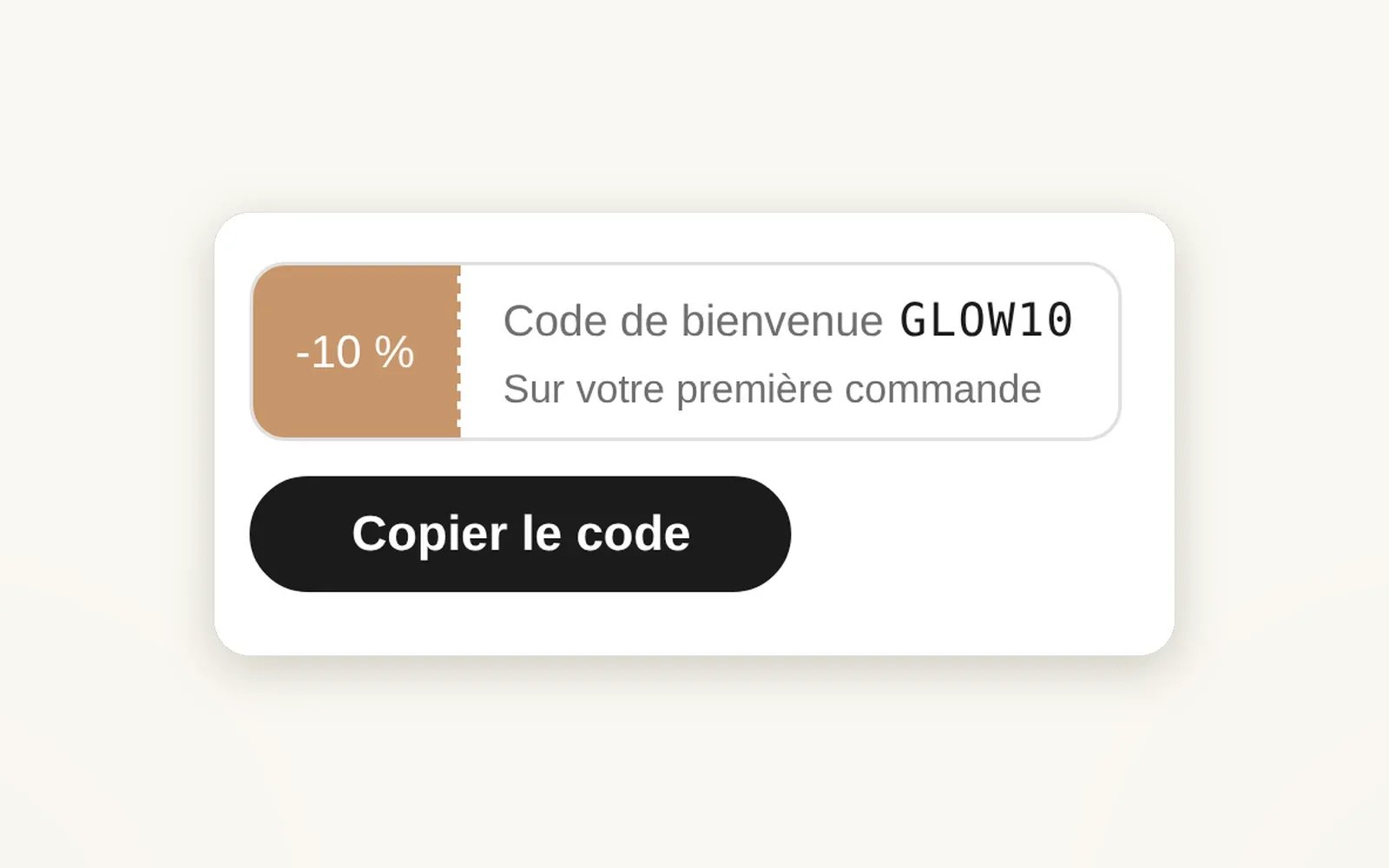
A promo code to copy on the product page
Your promo code under the buy button: the shopper copies it or applies it to the cart in one click. It disappears on the date you choose.
What it does
- Shows a code, its value (e.g. -10%) and a validity line
- Copy button, Apply button (the code is added to the cart) or both
- Hides itself if there's no code or after the expiry date
What you can set
- Code
- Value label
- Layout (Ticket, Pill, Accent card, Modal popup)
- Buttons (Copy, Apply, Both)
- Expiry date
- Hide if no code
Where to find it
Theme editor›Product template›Product page section›Product · info block›add the Product · promo code block
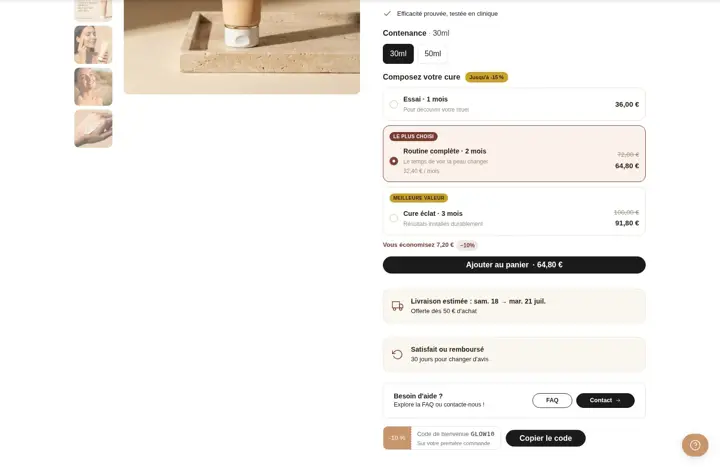
Ticket "-10 % Code de bienvenue GLOW10" + "Copier le code" button, under the Need help block
Related features
Your store deserves better than an empty theme.
Try Speedfly for 14 days on your real store. Not convinced? Cancel in one click.