
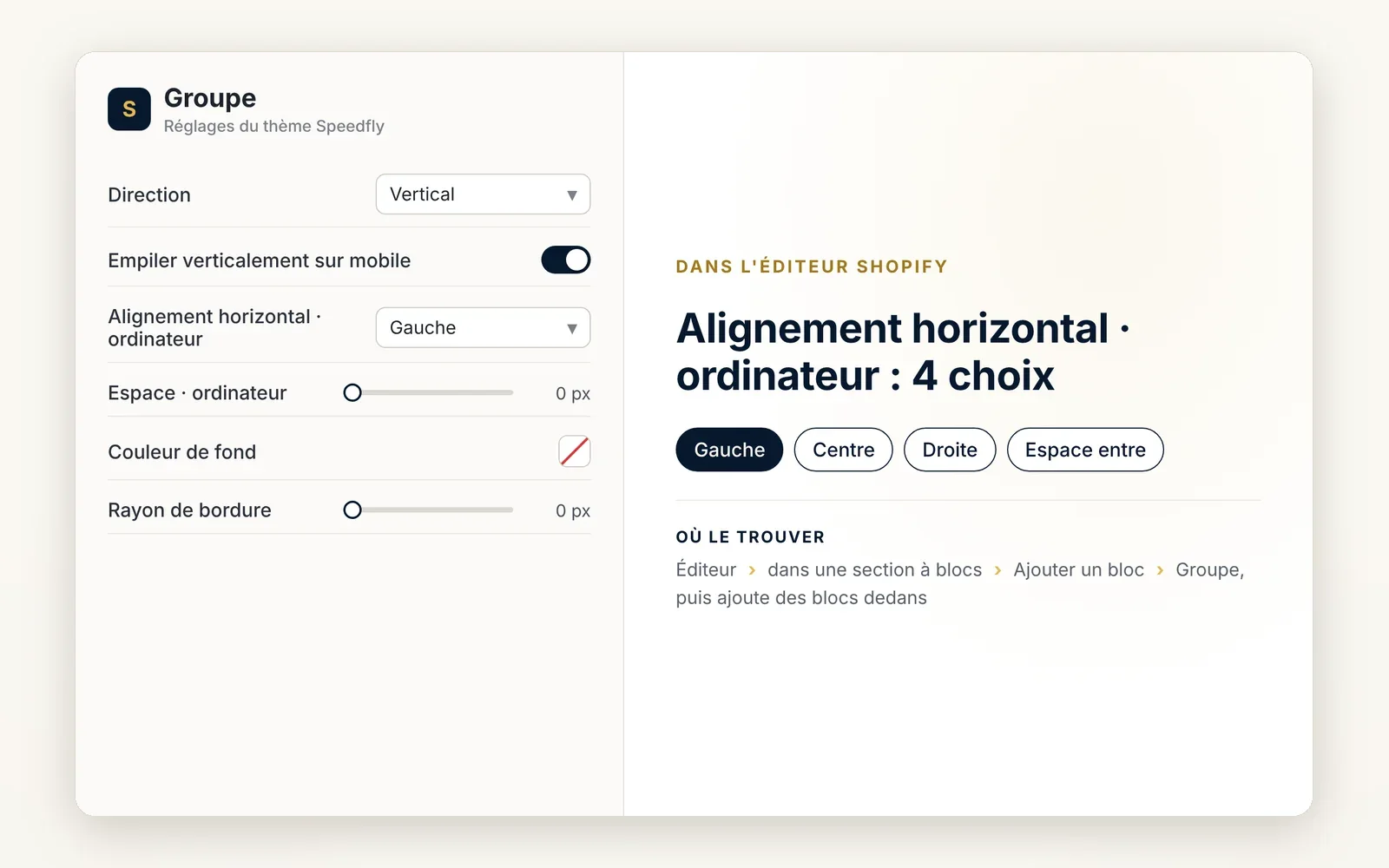
Group: keep several blocks together
Put blocks side by side or one below the other in a single frame, with background, border and margins. A group can contain another one.
What it does
- Horizontal or vertical direction, stacks automatically on mobile
- Background, border, shadow and corner radius to turn it into a card
- Accepts every theme block, including another group
What you can set
- Direction
- Stack vertically on mobile
- Horizontal alignment · desktop
- Gap · desktop
- Background color
- Border radius
Where to find it
Theme editor›inside a section with blocks›Add block›Group, then add blocks inside it
Voir nos best-sellers button in the slideshow, placed in a group
Related features


Your store deserves better than an empty theme.
Try Speedfly for 14 days on your real store. Not convinced? Cancel in one click.