
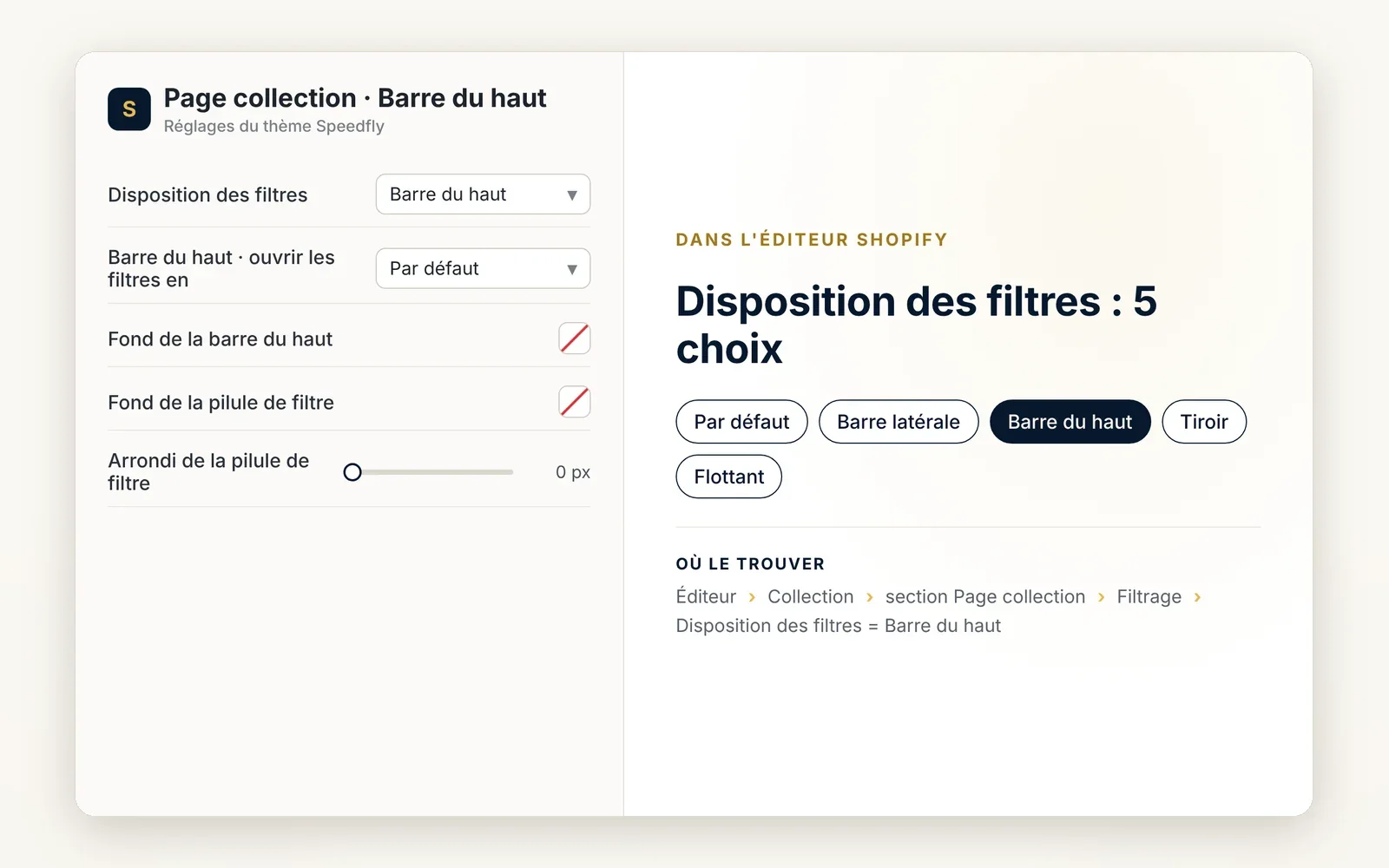
Filters on a bar above the grid
Filters line up on a horizontal bar above the products. The grid keeps the full width of the page.
What it does
- One button per filter on a horizontal bar, with arrows if the bar overflows
- Each filter opens as a shelf under the bar or as a pop-up
- Active filter chips and a button to clear everything
What you can set
- Filter layout (Top bar)
- Top bar · open filters as (Shelf, Popup)
- Top bar background
- Filter pill background
- Filter pill corner radius
Where to find it
Theme editor›Collection›Collection page section›Filtering›Filter layout = Top bar
Related features
Your store deserves better than an empty theme.
Try Speedfly for 14 days on your real store. Not convinced? Cancel in one click.