
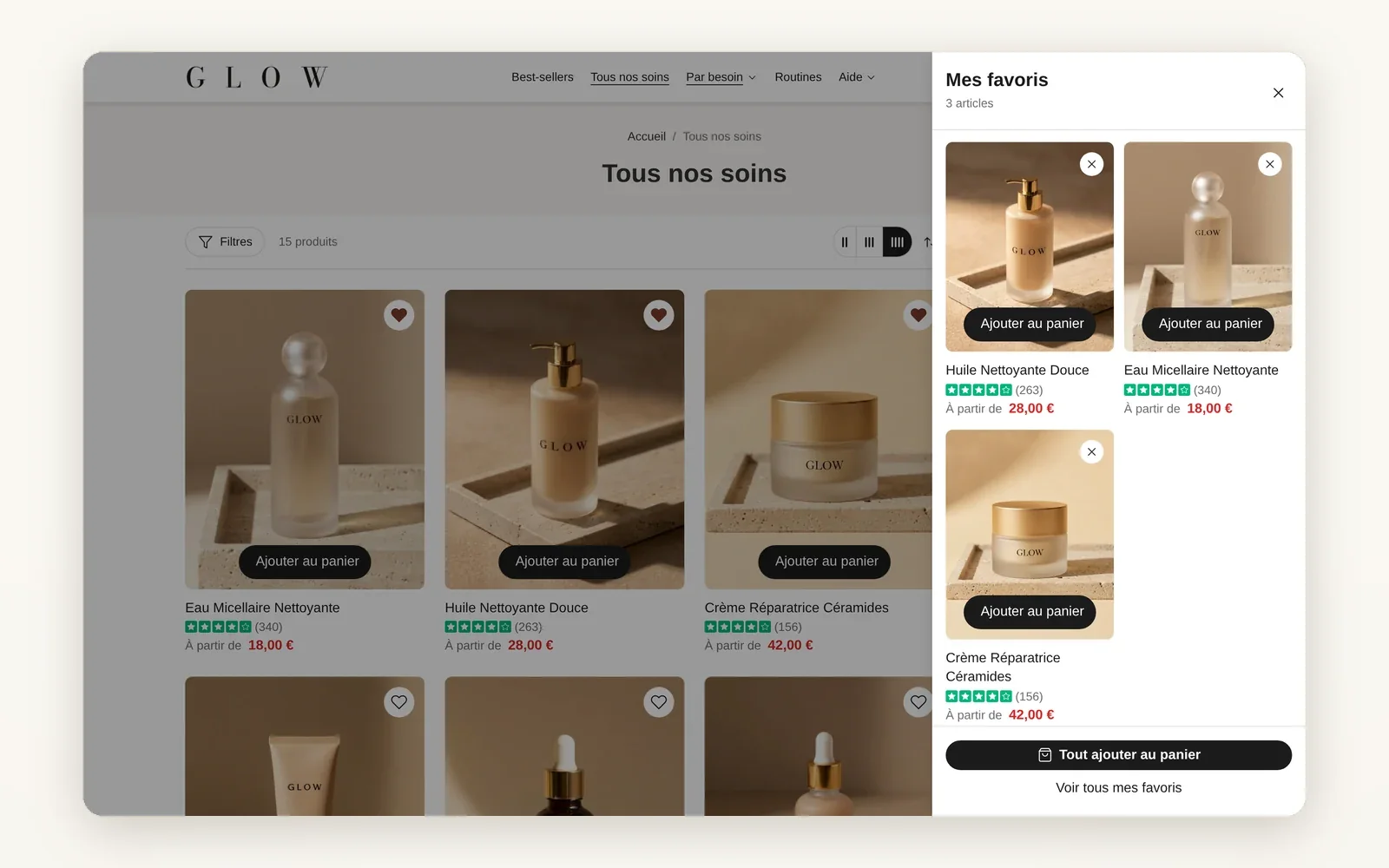
A wishlist for your customers
A heart on product pages and cards, a wishlist drawer and page, with Add all to cart. Stored in the shopper's browser.
Replaces an app costing about 19 €/moWhat it does
- Heart on product cards, the product page and cart lines
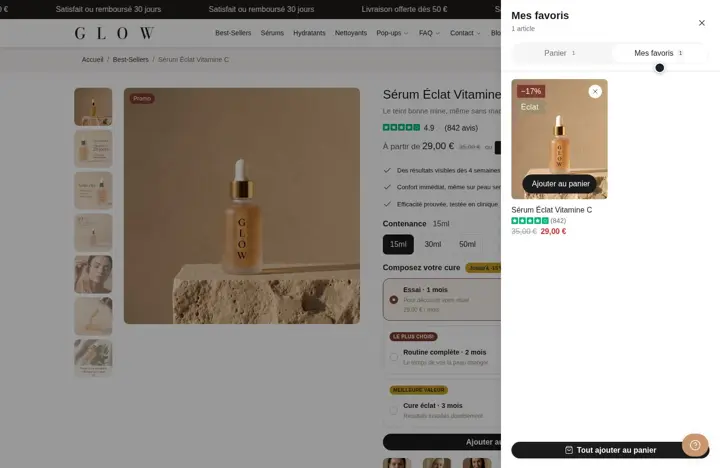
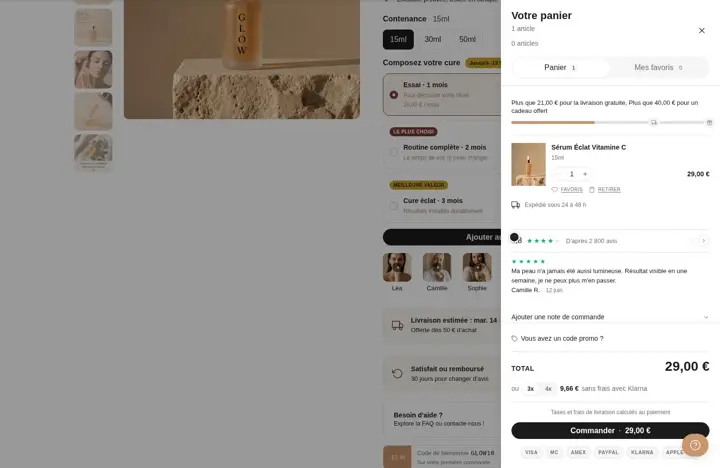
- Wishlist drawer, dedicated page and My wishlist tab in the cart drawer
- Add all to cart button; the list stays in the browser, no customer account needed
What you can set
- Show wishlist
- Header wishlist icon
- Open the drawer when a product is added to the wishlist
- Show "Add all to cart"
- Remove from wishlist when added to cart
Where to find it
Theme editor›Theme settings›Wishlist and Product cards›Wishlist; Wishlist drawer section; /pages/wishlist page
Heart at the top right of the cards, then the My wishlist drawer
Related features
Your store deserves better than an empty theme.
Try Speedfly for 14 days on your real store. Not convinced? Cancel in one click.