
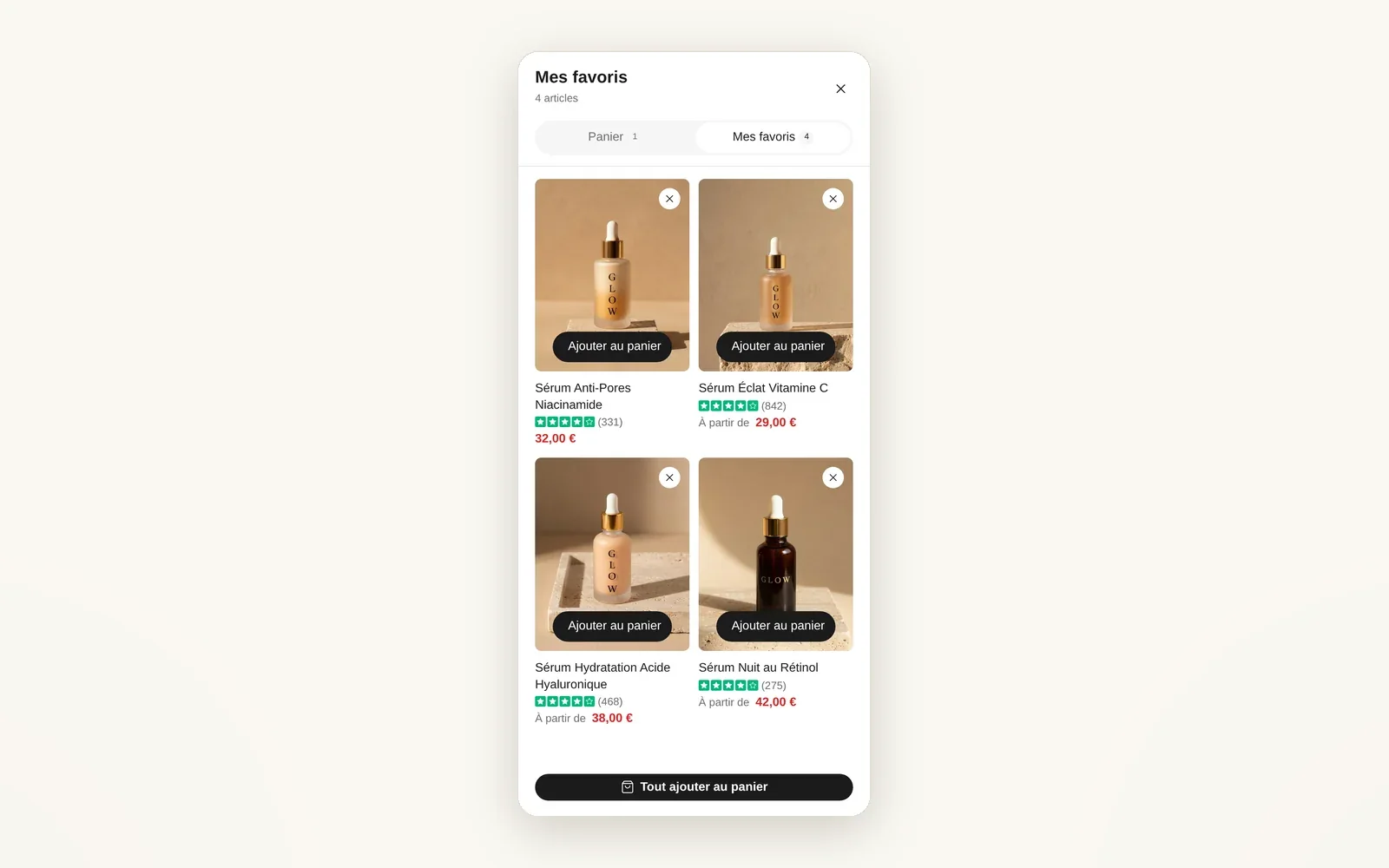
A Wishlist tab in the cart drawer
The cart drawer has two tabs: Cart and My wishlist. Shoppers find their favorites and add them to cart without leaving the page.
What it does
- My wishlist tab next to the cart, with the number of products
- Grid of product cards (1 or 2 columns) with add to cart
- Add all to cart button at the bottom
What you can set
- Show wishlist tab
- Tab style (Segmented, Count pill)
- Wishlist tab label
- Columns on desktop
- Columns on mobile
- Cart blocks on wishlist tab
Where to find it
Theme editor›Cart drawer section›Wishlist tab
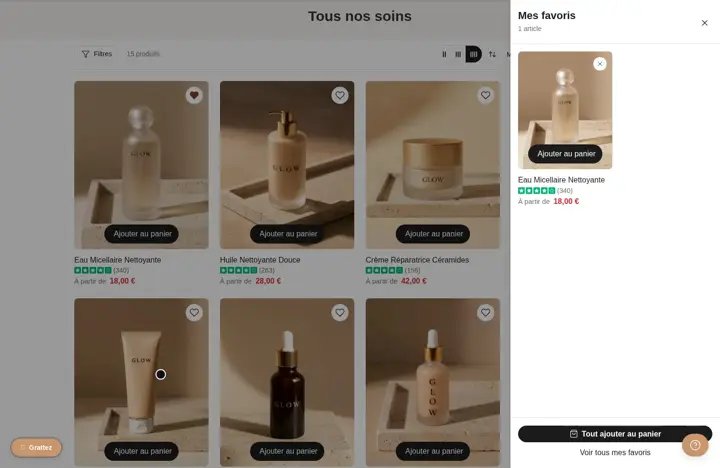
Cart drawer, "Mes favoris" tab (after adding products to the wishlist with the heart)
Related features
Your store deserves better than an empty theme.
Try Speedfly for 14 days on your real store. Not convinced? Cancel in one click.