
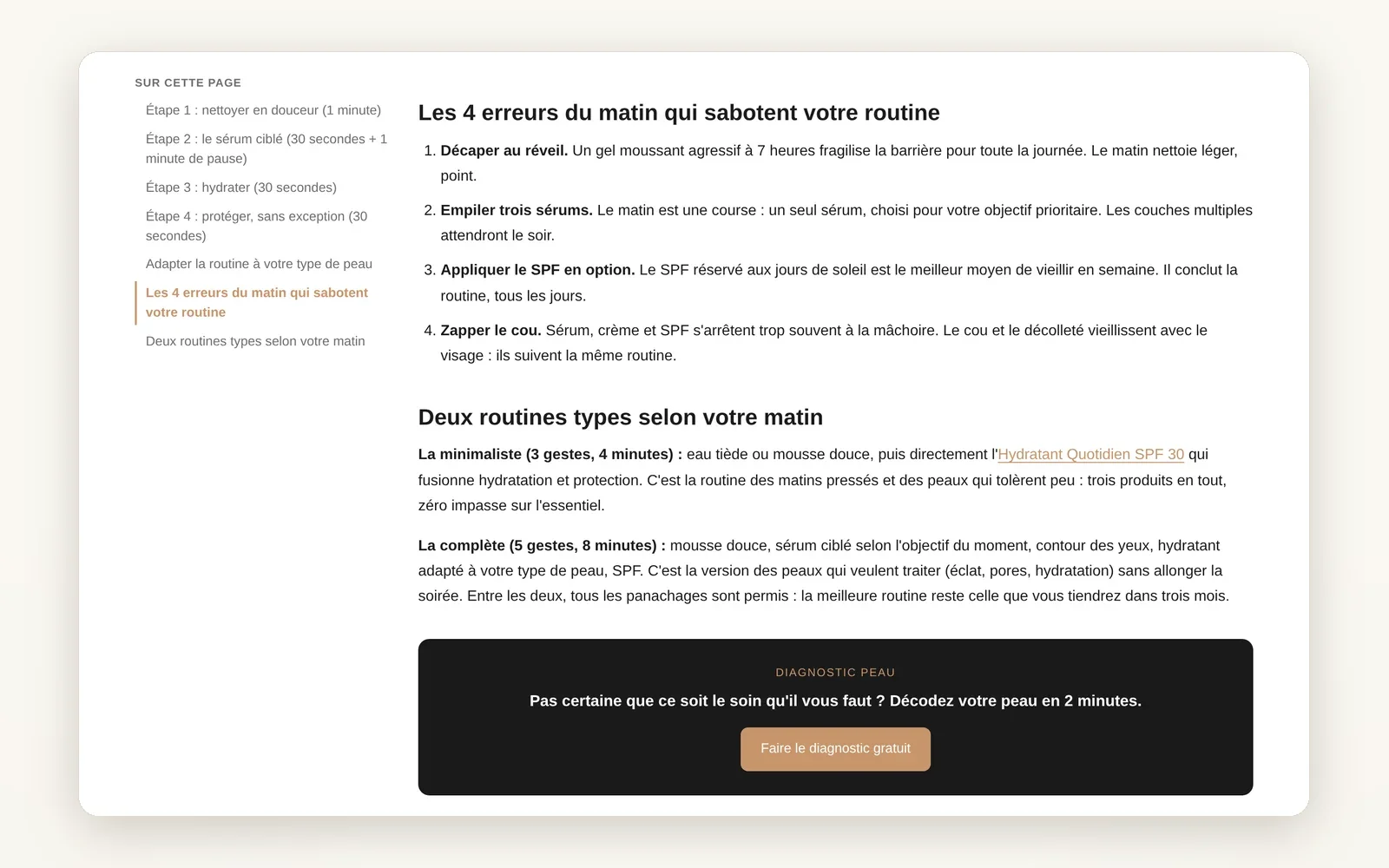
A side column in your articles
Add a fixed column or a drawer next to the text: table of contents, text, image or button, on the left or right.
What it does
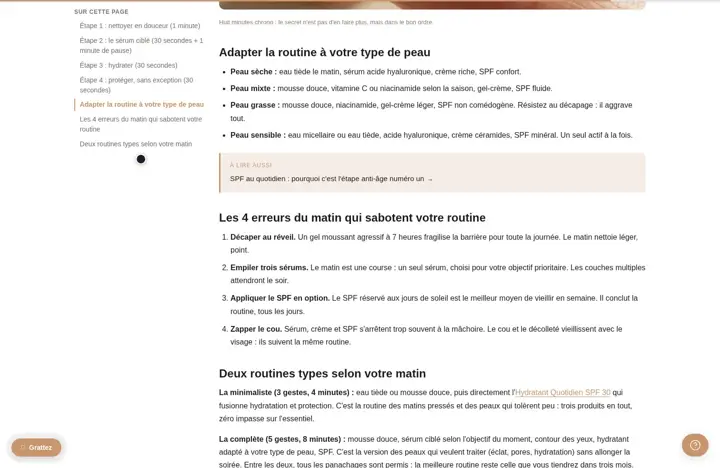
- Column on the left or right, which stays visible while scrolling
- Drawer mode opened by a button, at the top or floating
- You drop in the table of contents and theme blocks (text, image, button...)
What you can set
- Display (Off, Sidebar, Drawer)
- Side (Left, Right)
- Sticky sidebar on scroll
- Drawer button position
- Open button text
- Sidebar width
Where to find it
Theme editor›Article template›Article section›Sidebar / drawer, then add blocks to the section
Sticky column next to the article text
Related features

Your store deserves better than an empty theme.
Try Speedfly for 14 days on your real store. Not convinced? Cancel in one click.