
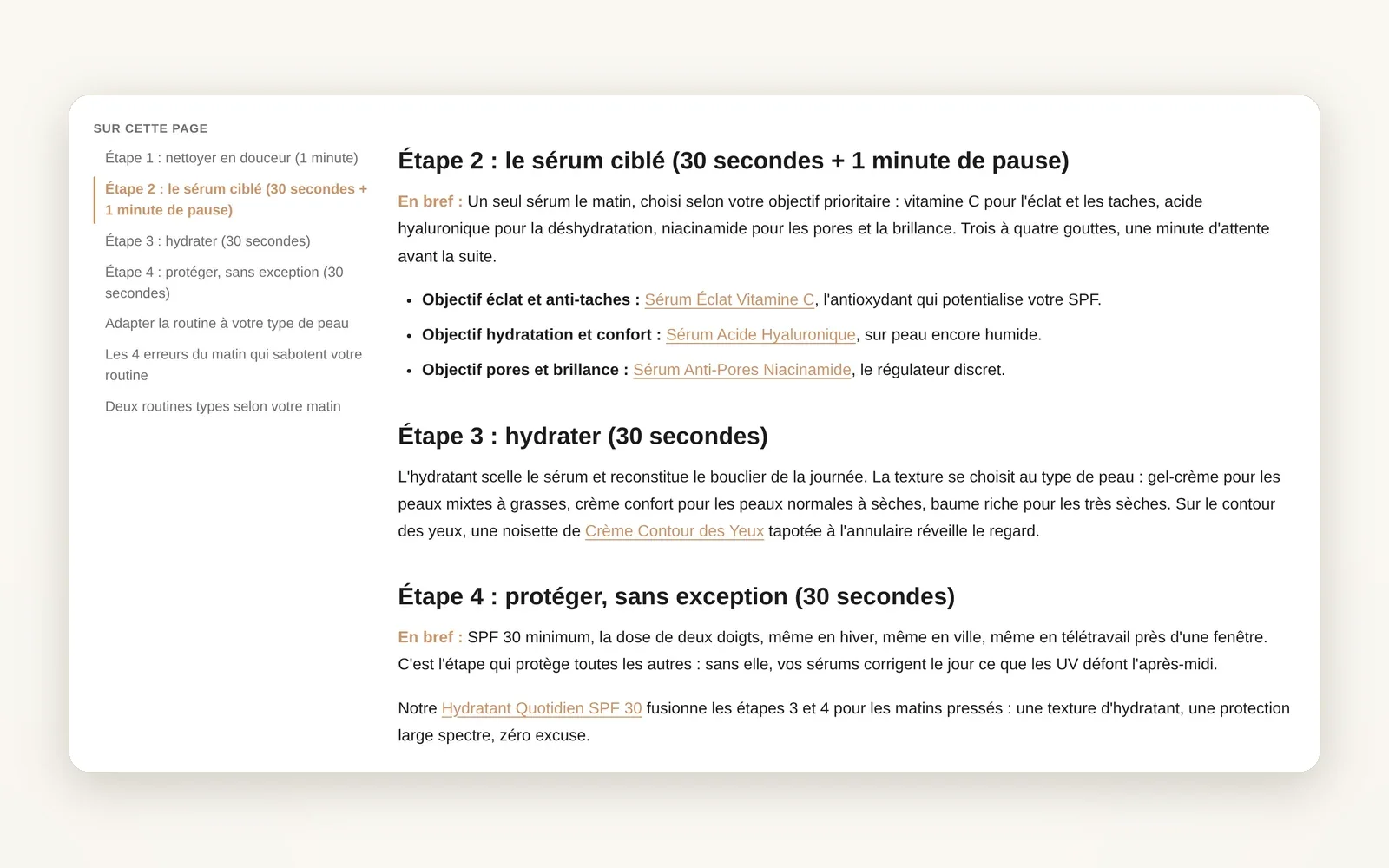
A table of contents built automatically
The table of contents is built from your article's headings, next to the text or above it, and highlights the part being read.
What it does
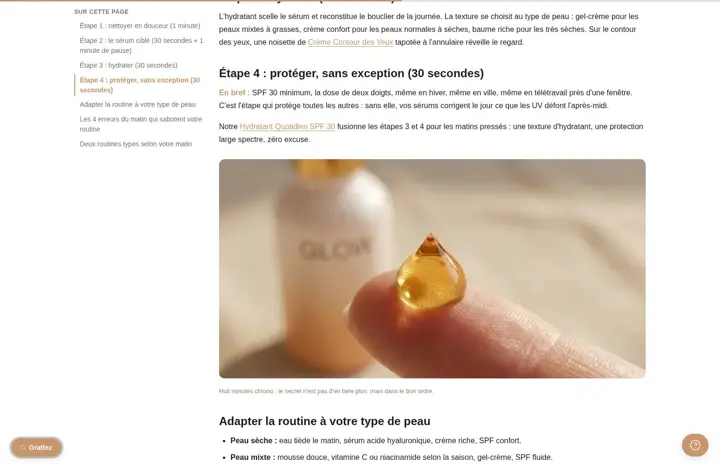
- List generated from the H2s, or H2 + H3, with nothing to type
- As a sticky side column on desktop, or as a block at the start of the article
- The part being read is highlighted, one click takes you straight to the right heading
What you can set
- Table of contents (Off, Sidebar, Inline)
- Table of contents depth (H2, H2 + H3)
- Table of contents title
- Table of contents depth (Theme settings > Blog & Articles)
Where to find it
Theme editor›Article template›Article section›Reading›Table of contents (Sidebar mode also needs Sidebar / drawer›Display: Sidebar)
Left column 'Sur cette page' in an article
Related features

Your store deserves better than an empty theme.
Try Speedfly for 14 days on your real store. Not convinced? Cancel in one click.