
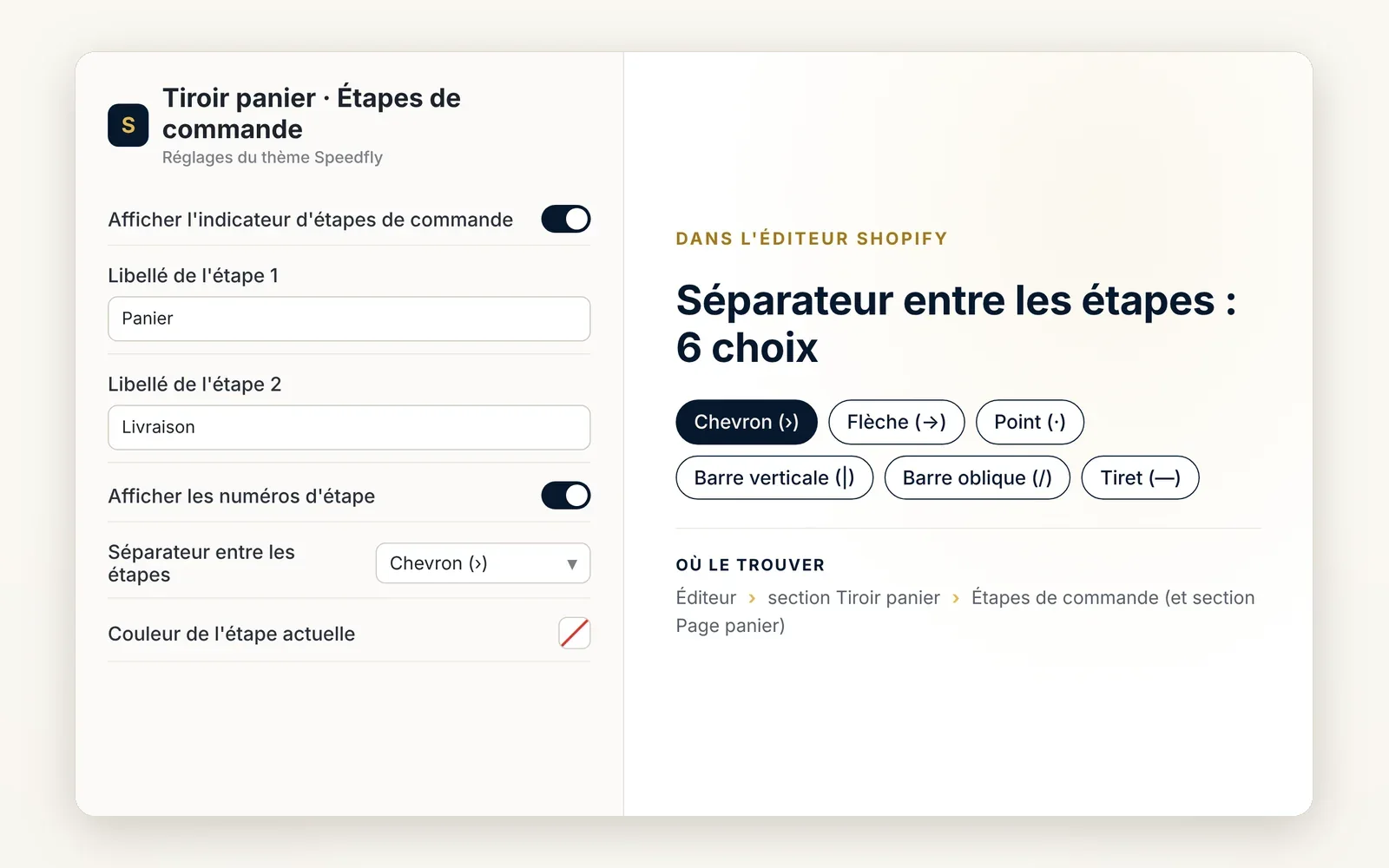
Checkout steps shown in the cart
A "Cart › Shipping › Payment" marker at the top of the cart: the shopper sees only a few steps are left before ordering.
What it does
- Up to 4 steps with the text of your choice (empty = step hidden)
- Step numbers and separator of your choice (›, →, ·, |, /)
- Colors for the current step and the next steps
What you can set
- Show checkout steps indicator
- Step 1 label
- Step 2 label
- Show step numbers
- Separator between steps
- Current step color
Where to find it
Theme editor›Cart drawer section›Checkout steps (and Cart page section)
Related features


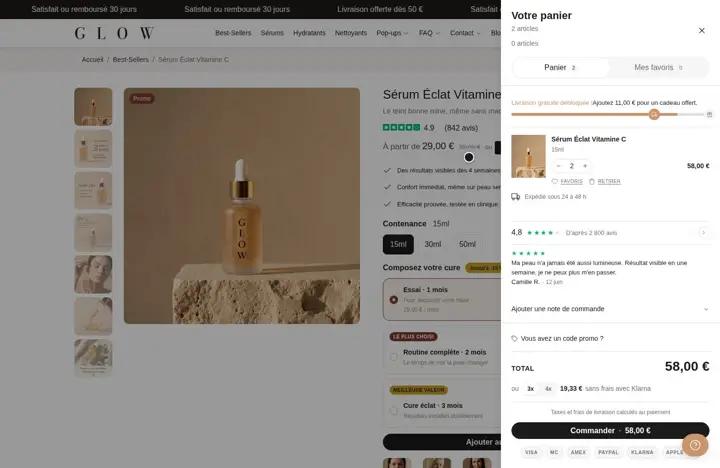
Your store deserves better than an empty theme.
Try Speedfly for 14 days on your real store. Not convinced? Cancel in one click.